Designed emails, ready to send
Emails your boarders will actually read
Stable SideKick comes with 30 designed emails, and 22 of them are shown below exactly as they look. Daily reports, horse updates with photos, winter notices, reminders and weekly summaries, in light and dark, on a phone or a desktop, with your barn’s name, address and logo.
Every picture is a real email from the product, made with sample data for a made-up barn.
Look inside the emails
Day-to-day notes to the people who care about the barn.
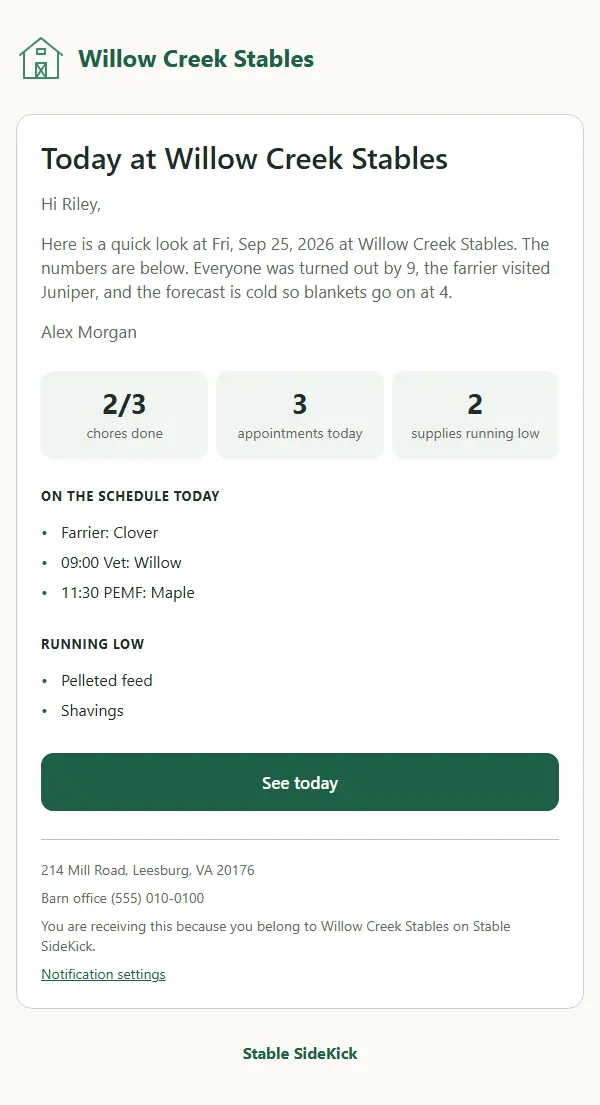
Daily report
A quick look at the day for boarders: a note in your own words, then tiles for chores done and appointments.
When it goes out. You send it from the Emails tab to the roles or people you choose. The numbers fill in by themselves.
Your logo, your colours
Add your barn’s logo, tagline and accent colour once. They appear in the header of your emails, next to your barn’s name. How to add your logo
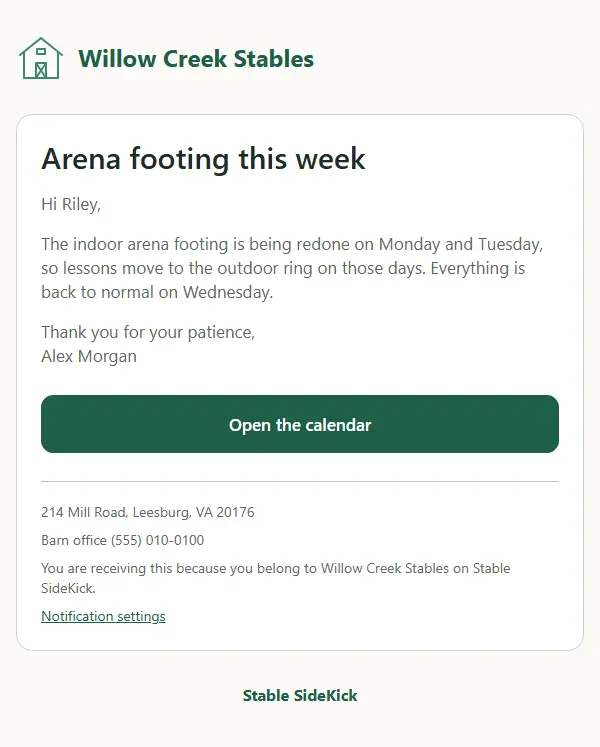
Before: the default Stable SideKick header 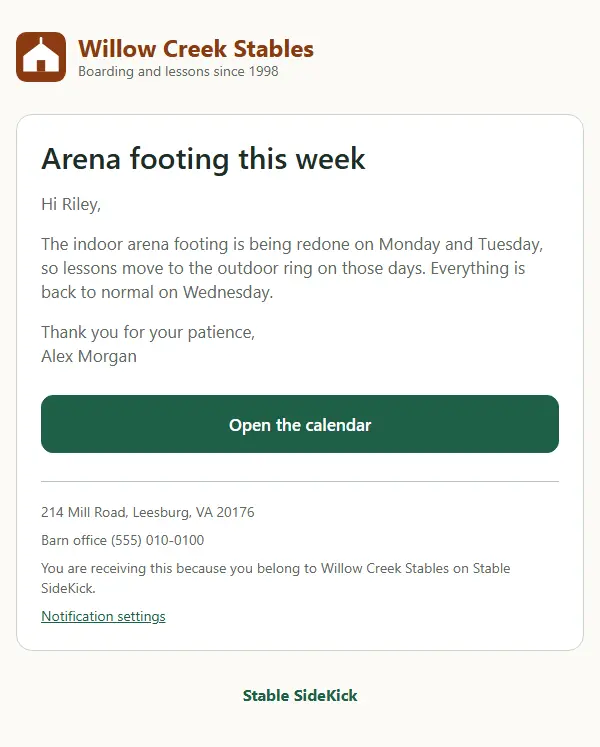
After: your logo, name, tagline and colour


Built with mail apps in mind
Emails break in surprising ways. Ours are checked by an automated test for 15 kinds of common mail-client problems, every time we change them.
Built the way mail apps expect
Tables and inline styles at 600 pixels wide, with no scripts, forms or web fonts that mail apps block.
A dark version of every email
Mail apps that support dark mode show the dark design, with text kept readable.
Made for a phone first
The layout holds at 375 pixels wide, with big buttons you can tap with a thumb.
Readable colours and sizes
Text colour contrast and a minimum text size are checked, and every image has alt text.
Kept small
Gmail cuts off long messages behind “View entire message”, so each email stays well under that limit and the footer always shows.
A plain-text twin
Every email also has a plain-text version, for readers and mail apps that prefer it.
To be clear about what that means: these are automated checks, not a hand test in every inbox. They catch the common problems before an email goes out.
Make them yours in a minute
- 1
Pick an email
Open the Emails tab and choose a designed email: an announcement, a horse update, a winter notice or a report.
- 2
Make it yours
Change the words, the button and the photo. The barn name, first name and date fill in for each person.
- 3
Send a test, then send it
Send it to yourself first, then to chosen roles or people.
The designed emails come with every plan. Sending report cards and reminders is available on Plus and up. See pricing
Questions about the emails
Can I change the wording of the emails?
Yes. In the Emails tab you can change the headline, the message, the button and the photo of each designed email, and the name, first name and date fill in for each person. You can send it to chosen roles or people, or just to yourself as a test first.
Can the emails carry my barn’s logo and colours?
Yes. Add your logo, tagline and an accent colour in Settings, under Public pages and emails, and they appear in the header of the emails. The footer carries your barn’s address and phone if you have added them.
Will my boarders get a flood of email?
No. The automatic emails, such as updates about a horse or a changed request, only go to people who chose email for them in their notification settings, and you decide when to send the ones you write yourself.
Are the emails tested in Gmail, Outlook and Apple Mail?
Not in each of them by hand. An automated test checks every email for common mail-client problems, and the emails are also looked at in light and dark colours at phone and desktop widths. That is a good safety net, not a promise about every inbox.
See them in a sample barn
Open the demo and look at the Emails tab as an owner. Nothing you click is saved.